Render YouTube English captions in a custom layer with readable font, size, color, background, and shadow settings.
Расширение Chrome для субтитров YouTube
EnglishCC
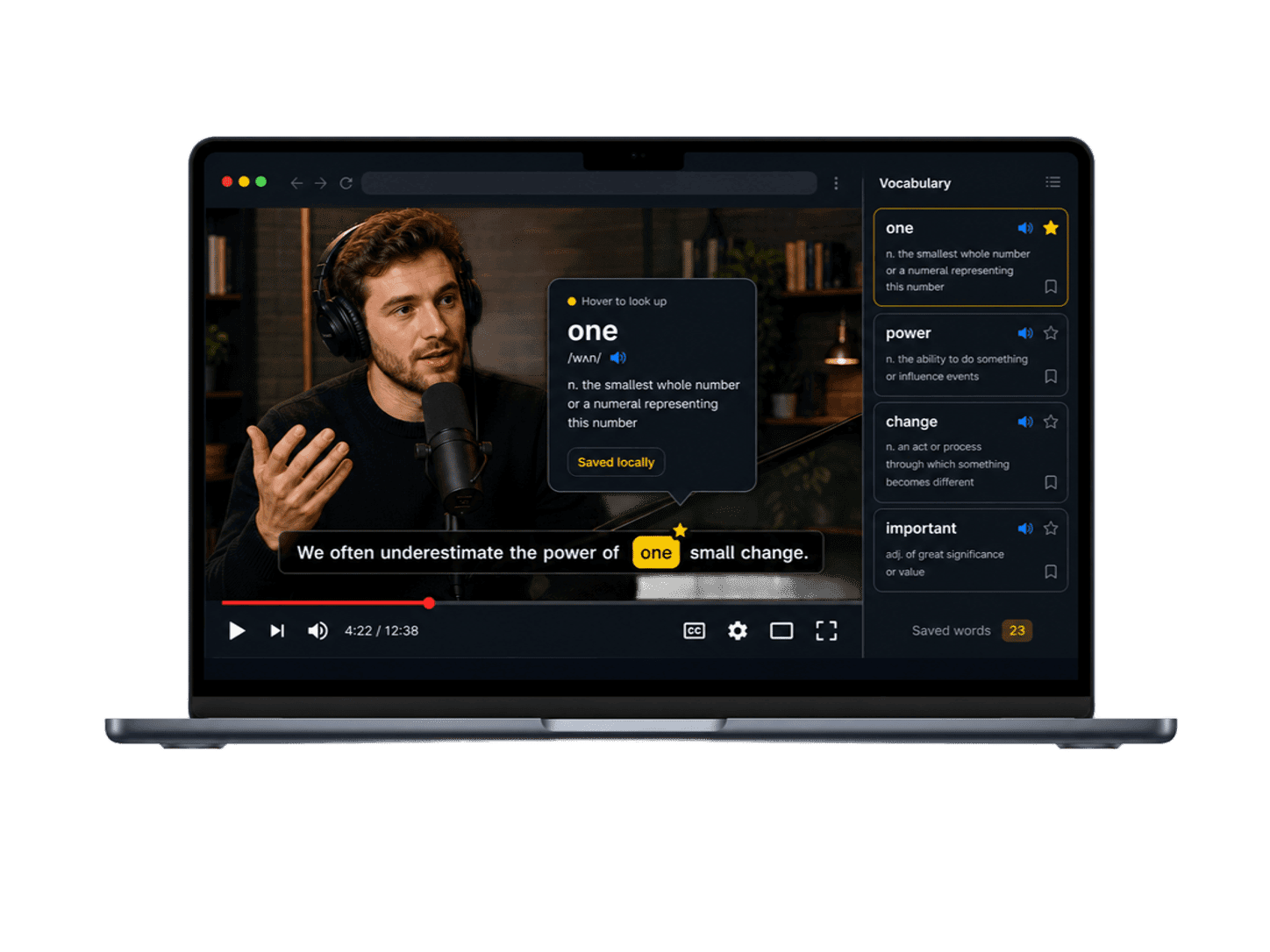
Turn YouTube English captions into a calmer learning surface: readable subtitles, hover word lookup, and a local vocabulary book for review.
Built for YouTube Regular watch pages
Hover to look up No accidental saving
Local vocabulary Review words later
What it does
Одна цель: сделать субтитры YouTube лучше.
EnglishCC stays close to the video. It improves the subtitles you are already reading and turns quick word lookups into reviewable vocabulary.
Move over a subtitle word to open a compact dictionary card without interrupting the sentence layout.
Lookups are recorded first. A word joins your vocabulary book only when you save it or enable an auto-save rule.
Review saved words with meaning, original subtitle sentence, source video, sorting, and date or video grouping.
When accurate cue timing is available, sentence controls can help you replay the line you are studying.
Saved vocabulary, lookup history, and settings stay in browser storage.
How it feels
Простой процесс просмотра.
The product loop is deliberately small, so it can live inside a normal YouTube session instead of becoming another study dashboard.
Use a regular YouTube video with English captions available.
EnglishCC rebuilds the caption layer so it is easier to follow for long videos.
A lookup card appears with a basic meaning and an explicit save action.
Saved vocabulary keeps the word, meaning, original line, and source video together.
Privacy shape
Designed for a local learning loop.
EnglishCC does not need an account for its first release. Vocabulary, lookup history, and caption settings are stored in your browser.
No account requiredLocal vocabulary storage
Публикация в Chrome Web Store готовится.
EnglishCC is being prepared for its first public extension release. This site hosts install status, privacy notes, support details, and future release updates.